Extension Library
Professional tools for Scratch and TurboWarp.
How to Use
Follow these simple steps to install and use ROES+ extensions.
1
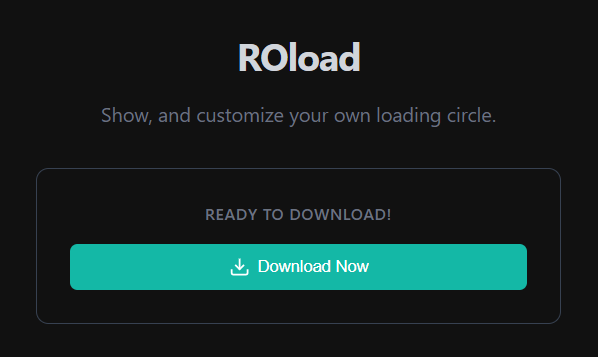
Download Extension
Browse the library, preview the extension, and download the file.
2
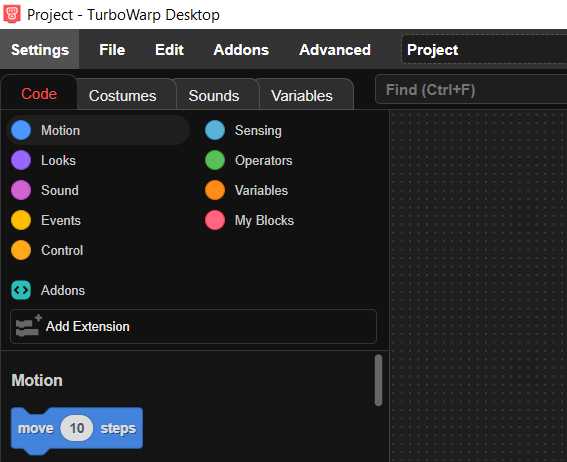
Open TurboWarp
Go to turbowarp.org and start a new project.
3
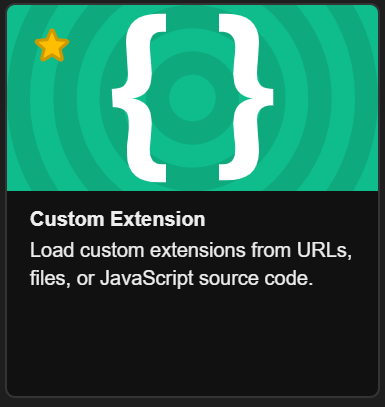
Custom Extension
Click "Add Extension" then choose "Custom Extension".
4
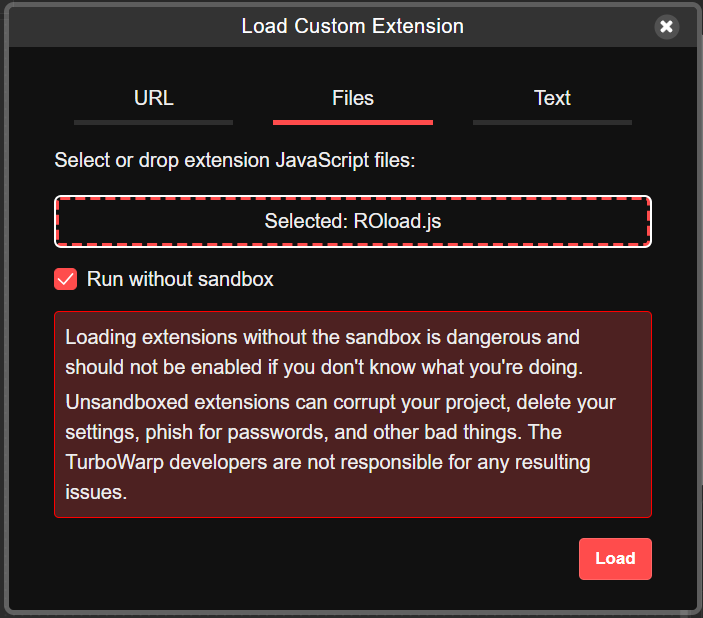
Enable Unsandboxed
Toggle "Unsandboxed" to allow full access.
5
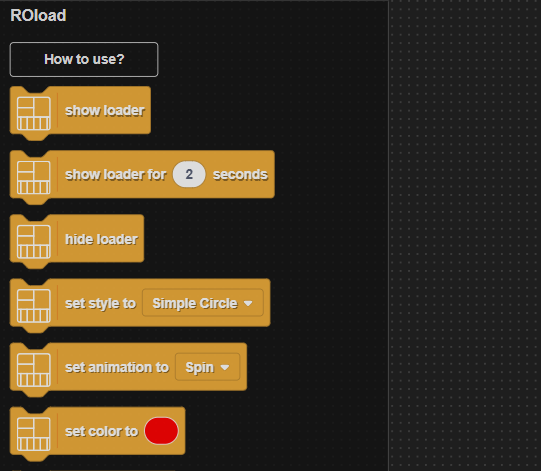
Load & Enjoy
Click "Load", select your file, and start using!
Configuration
Customize your experience.
Appearance
Visual Theme
Choose your dashboard theme
Light
Default
Dark
Midnight
Cyber
Cyberpunk
Sunset
Sunset
Display
Font Size
Adjust text size
15px
Enable Animations
Smooth transitions
Connect With Us
Join the community and get support.
ROES+ Community
Email Support
Click to copy address
Twitter/X
Follow updates
YouTube
Watch tutorials
WhatsApp
Chat with us
Telegram
Join our channel
Create your Extension
Connect with us to create a new extension with your own properties
ROBuilder
Visual advanced Scratch mod with extra features and library of ROES+ extentions.